
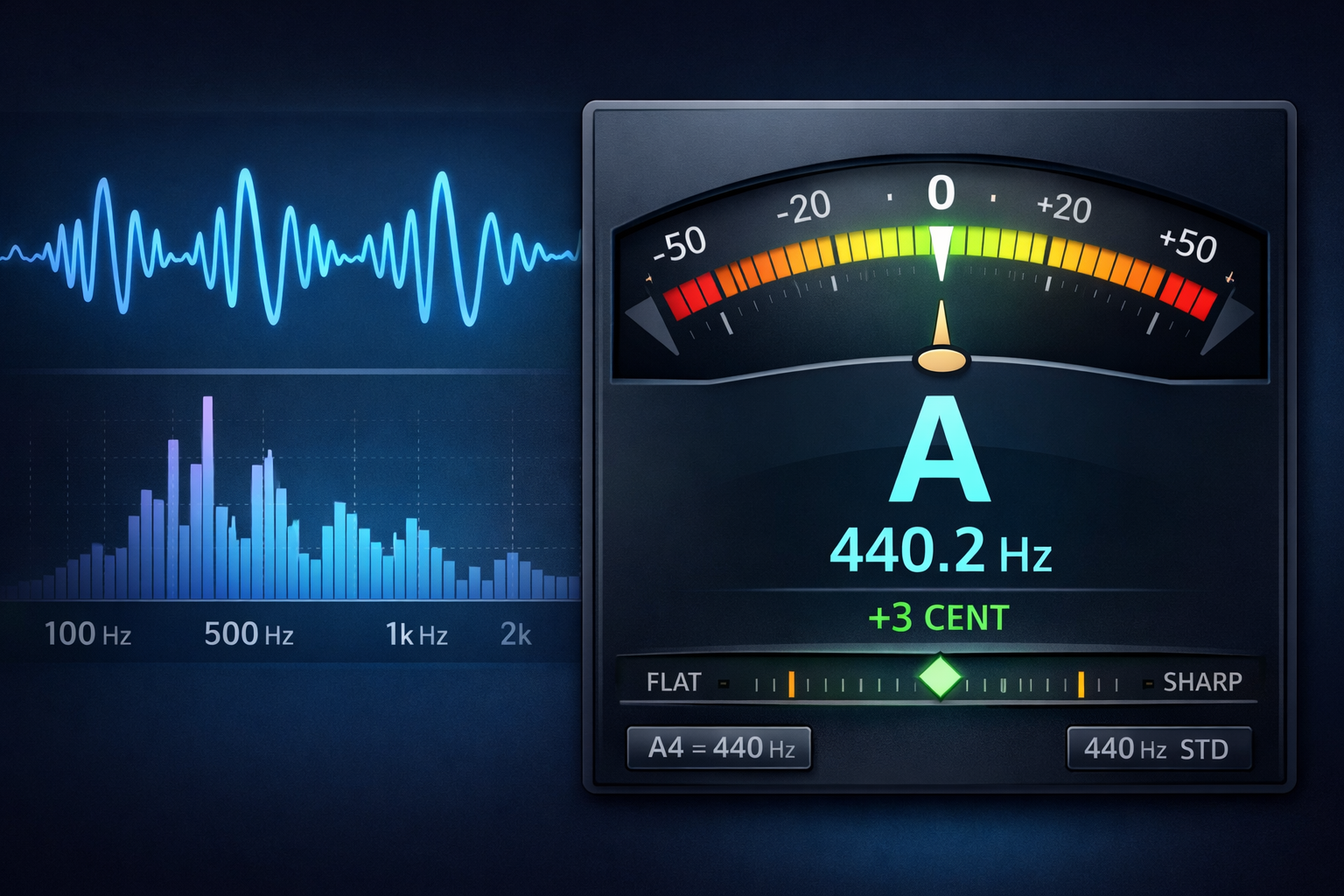
How Web Audio Tuners Work: The Science of Pitch Detection
Browser-based tuners are now accurate enough for everyday musicians and many teachers. This article explains the full signal chain — from microphone access to the pitch algorithms (autocorrelation, YIN, and hybrid methods), common trade-offs, and best practices for building reliable, low-latency tuners that run in modern browsers.
1. Capturing the Sound Wave
The first step is to request microphone permission via navigator.mediaDevices.getUserMedia. Modern browsers require a secure origin (HTTPS) and explicit user consent. Once granted, the API returns aMediaStream which can be used as a source in the Web Audio API.
Typical low-latency setups create a single shared AudioContext and then aMediaStreamAudioSourceNode connected to an AnalyserNode or anAudioWorklet. For production-ready apps prefer AudioWorklet for sample-accurate processing and to avoid main-thread jitter. Below is a simplified setup (already present in the app):
const audioCtx = new AudioContext();
const stream = await navigator.mediaDevices.getUserMedia({ audio: true });
const source = audioCtx.createMediaStreamSource(stream);
const analyser = audioCtx.createAnalyser();
source.connect(analyser);
Notes: Always create a single AudioContext and reuse it. Creating multiple contexts increases memory and can cause inconsistent behavior on some devices (especially mobile). Consider showing clear UI feedback when the microphone is in use and an easy way for users to revoke permission or switch input devices.
2. Time Domain vs Frequency Domain
A common early optimization is to take an FFT of the signal and look for peaks. FFT-based methods work well for visualizers and spectrograms, but for precise single-pitch detection they have limitations: frequency resolution, windowing artifacts, and the need for zero-padding or very long windows to resolve low notes.
Time-domain techniques (autocorrelation, YIN) analyse the waveform structure directly and often give better pitch accuracy and stability for monophonic sources (single note at a time). Many modern tuners use a hybrid approach: a fast FFT to get a coarse estimate and a time-domain method to refine the pitch.
3. Algorithms: Autocorrelation, YIN and Hybrids
Autocorrelation finds repeating patterns in the waveform. It's robust and conceptually simple but can be computationally expensive for large buffers. It's great for steady, sustained tones like bowed strings.
YIN improves on autocorrelation by explicitly estimating the period and using parabolic interpolation to give sub-sample accuracy. YIN includes internal steps to reduce octave errors and handle noisy signals better.
Hybrid approaches combine a coarse FFT (cheap) with a time-domain refinement (accurate). This is especially useful on low-power devices where doing a full high-resolution autocorrelation each frame may be too heavy.
Implementation tip: process audio in small overlapping buffers (e.g. 1024–4096 samples at 48kHz) and use a rolling median to smooth pitch readings. Provide a user-adjustable smoothing slider in the UI for "Studio" vs "Live" modes — musicians often prefer different latencies and smoothing tradeoffs.
4. Practical Engineering & Testing
- Latency: Keep audio buffer sizes as small as practical. Offer an option to use an
AudioWorkletfor lower latency. - Noise handling: Add a gate or minimum amplitude threshold so the algorithm ignores silence and background noise.
- Device differences: Test across a variety of microphones: smartphone built-ins, laptop headsets, and USB mics. Each device has a different frequency response and noise floor.
- Accessibility: include large, colorblind-friendly tuners (avoid red/green-only indicators) and keyboard controls so users can quickly start/stop and change reference pitch.